RFSignal for Android
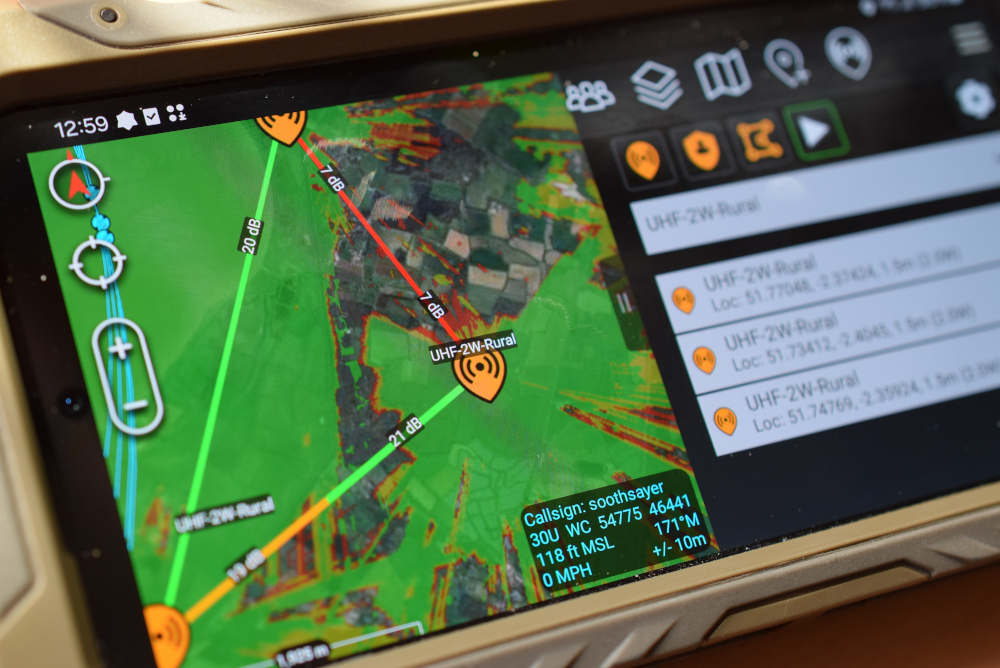
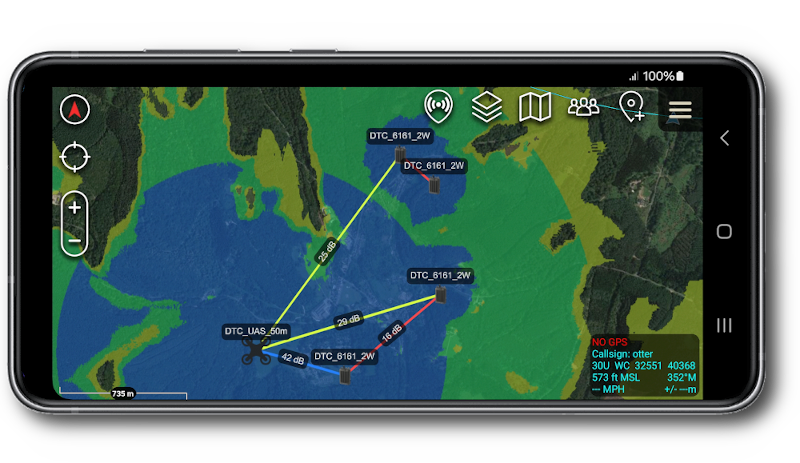
RFSignal is a truly unique application for Android. It puts the power of RF planning in your pocket and combines it with the device's GPS to give you an unprecedented precision mobile planning capability.
|
|
|
|
|
|
|
|
| ![]() |
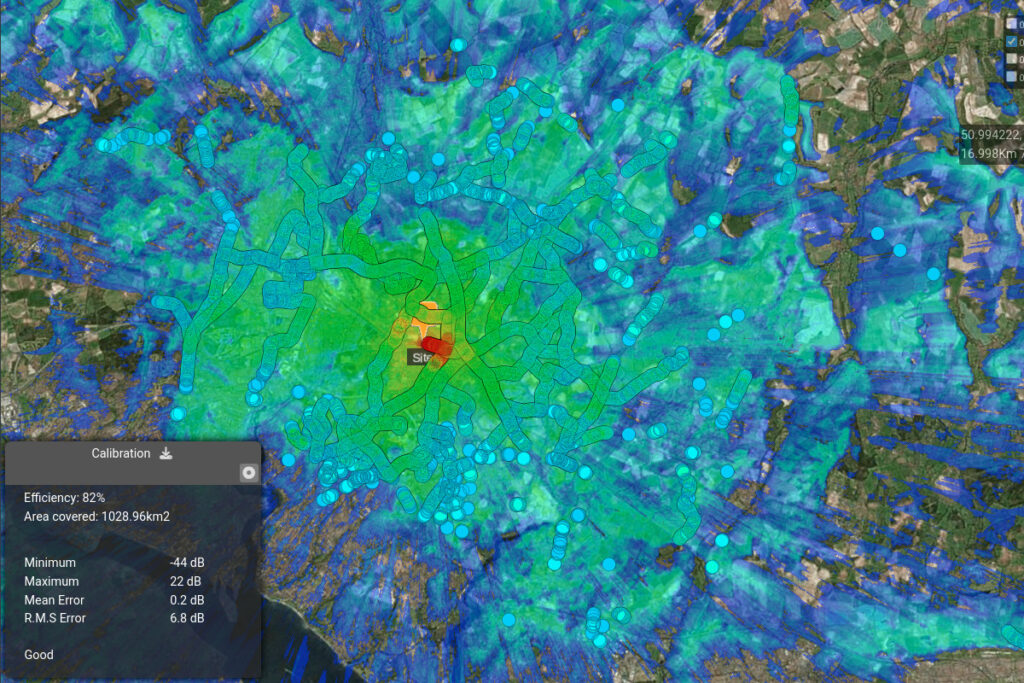
Powered by dedicated 64-bit servers and supported with NASA terrain data from cloudrf.com accurate to 90m. You can search and use templates and ground obstacles (clutter) created within the web interface and use it later on your phone or save a template from your phone whilst in the field, and find it in the web interface when back at the office. All calculations can be saved to your SD card as KML overlays and either viewed offline on your device or transferred to a computer and viewed in 3D in Google earth...
Feedback from users of RFSignal at Google Play
![]() | This is a must have for all broadcasters and radio hams - Jason |
![]() | Compares very close to my $8K rf software and is 10 times faster for what I normally do running VHF maps - Aaron, HTC EVO 4G |
![]() | If you know what this is for and you're an RF professional then this is truly excellent... Good work. - Anthony, Samsung Galaxy Tab |
App features - RFSignal - full version
* 100Km/63Mi max radius
* User defined resolutions from ~70m.
* KML enabled - Save to SD card and view in Google Earth
* Offline Archive - Disconnect from internet and use layers from SD card
* Multi layer - View coverage of multiple emitters at once
* Save location choice - Internal memory / SD card choice
* GPS enabled for location tracking
* Map pan with Latitude/Longitude in decimal degrees
* Distance and bearing measurement
* Frequency: 20MHz to 20GHz (VHF-UHF-SHF)
* Effective Radiated Power (ERP) in Watts
* SRTM2 elevation data with 99% Global coverage
* Full Google Maps integration with Satellite layer choice
* Metric / Imperial units (m / f)
* Antenna Polarisation (H / V)
* Transmit and Receive mast heights (Above Ground Level)
* Receiver sensitivity in either dB / dBm / dBµV/m
* Terrain type for electrical conductivity
* Path Loss (dB)
* Received power (dBm)
* Field Strength (dBµV/m)
* Colour keys for dB,dBm,dBµV/m
* Transparency slider
* Community ground obstacles (clutter) option
* Save settings as template
* Searchable radio database
Documentation
Full user manual available from the app menu or at following URL: m.cloudrf.com/app
Service status available at: http://m.cloudrf.com/app/status.php
System requirements
1) SD card access - Needed to store the overlay(s).
2) Internet connection - to communicate with server.
3) GPS (opt in) - to locate your position for mobile users
4) Android OS 2.2 or higher
Compatible devices
Works with all known Android phones and tablets. You can test if your device is compatible by downloading the trial version first.
Download free trial |
Purchase RFSignal |
|
Get the RFSignal Trial APK from the link below: RF Signal Trial v1.6 RFSignal trial is available in Google Play app store. ![]() The trial version has a reduced radius and some Pro features including offline archive and high resolution are disabled. |
RFSIGNAL is available in Google Play app store.![]() |
Installation
1) Connect your device to your computer with the USB cable
2) Copy the .apk file to your device's storage card
3) Ensure your device is configured to 'allow installation of third party apps'. Check this in settings > Applications. Video tutorial is here
4) Using a file browser on the device, locate the .apk file then select it to install it.
Advanced method (ADB)
Enable USB debugging on your phone, connect it to your PC and using the Android Debug Bridge (ADB) program on your computer, navigate to the folder where your app is and issue the command:
'adb install (appname).apk' from the command prompt to upload the app onto your phone.